Increasing Engagement & CTR on NewsCorp Article Pages Used by 200K+ Readers Weekly
Platform
Mobile first, Scaled to Desktop
Timeline
3 weeks
Team
2 UX Designers, Product Manager, Business Developer
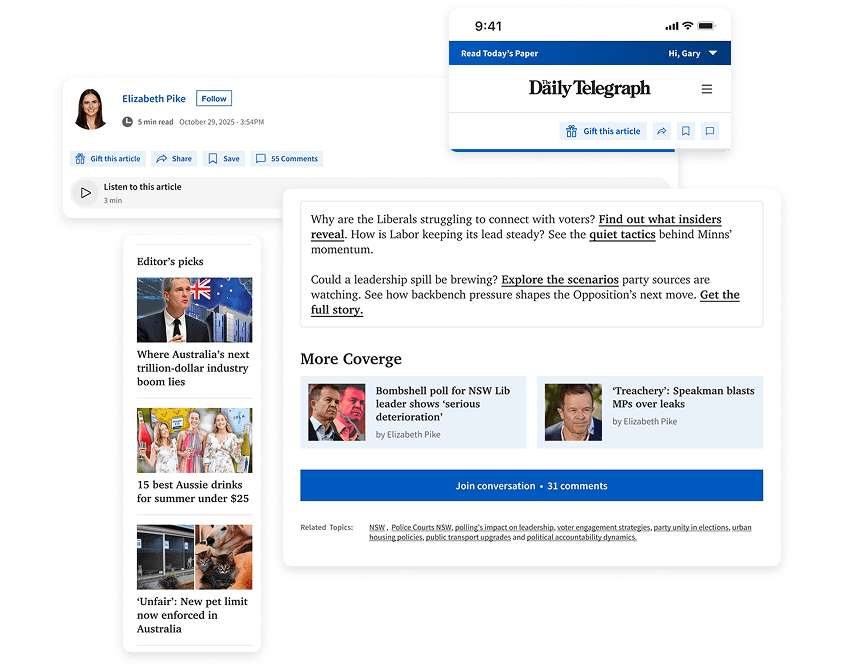
My Role
Qualitative and quantitative research insights
Challenging business assumptions using evidence from user behaviour
Define experience principles and prioritisation trade-offs
Leading the mobile-first UX and UI direction in Figma
Validating design decisions through prototype testing.
Delivered dev-ready assets and supported rollout iterations
Overview & Goals
NewsCorp’s S&C article pages serve ~200K+ weekly readers and contribute ~14% of subscriber web traffic. However, CTR on related content modules ranged between 0.003%–2%, indicating inconsistent engagement beyond the article.
The goals were to boost engagement after readers finish an article, prioritise CTAs and build trust without adding more sponsored content or changing the article itself.
Challenges
The live article experience felt cluttered and directionless. 58% of users described the end-of-article section as “not useful,” and sponsored modules were often perceived as filler.
Business priorities emphasised actions like gifting, yet research showed 85% of users prioritised Share instead.
Outcomes
65%
Easily find related articles
80%
Rated end section useful.
66.7%
Likely to "open in app"
100%
+ve feedback on new layout.
Keep reading to dive into design process
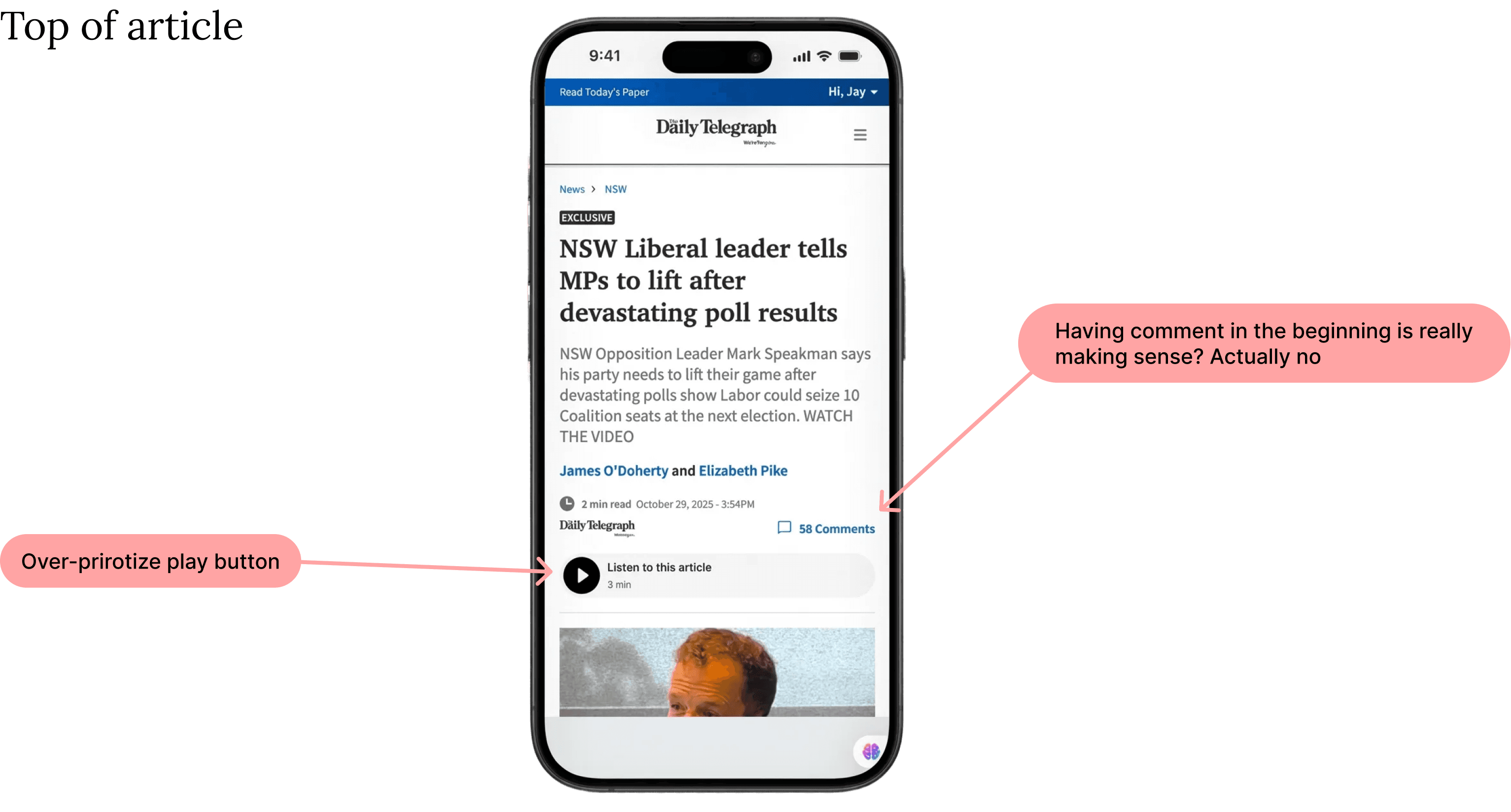
Audited site; found issues.
I took a look at the live site and found some weird glitches that are definitely hurting trust and making it hard to get around.
Also, the bottom of the articles is basically a dead zone—nobody’s clicking those sections results in low CTR. It’s a perfect spot to swap out the clutter for something more useful, or even just some ad space to boost revenue.
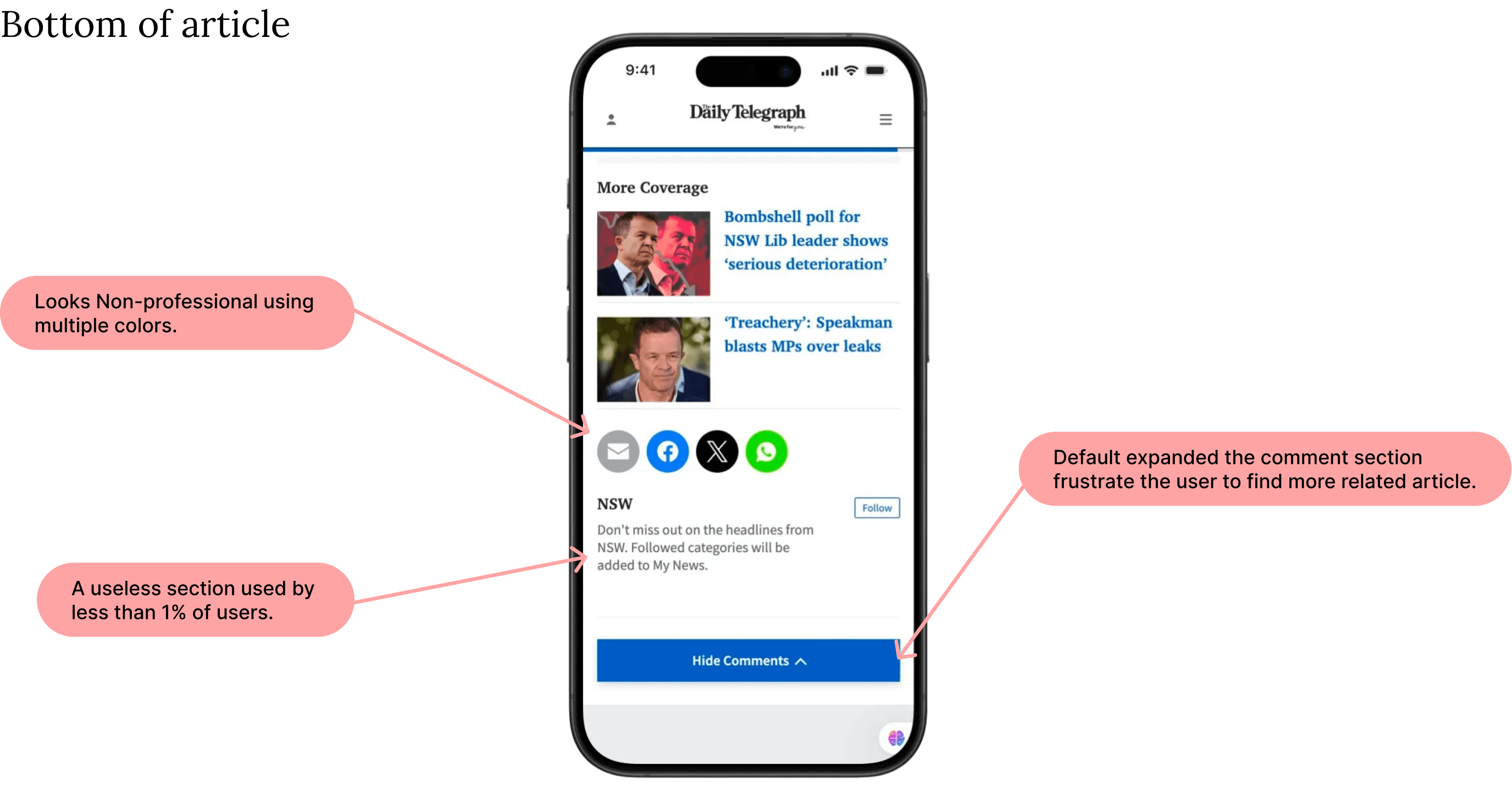
I also conducted an EEAT analysis (Experience, Expertise, Authoritativeness, Trustworthiness) to identify structural flaws. This wasn't just for SEO—it was to ensure our design reflected the high-quality journalism it housed.
Unmoderated Testing
Hearing the Reader’s Voice
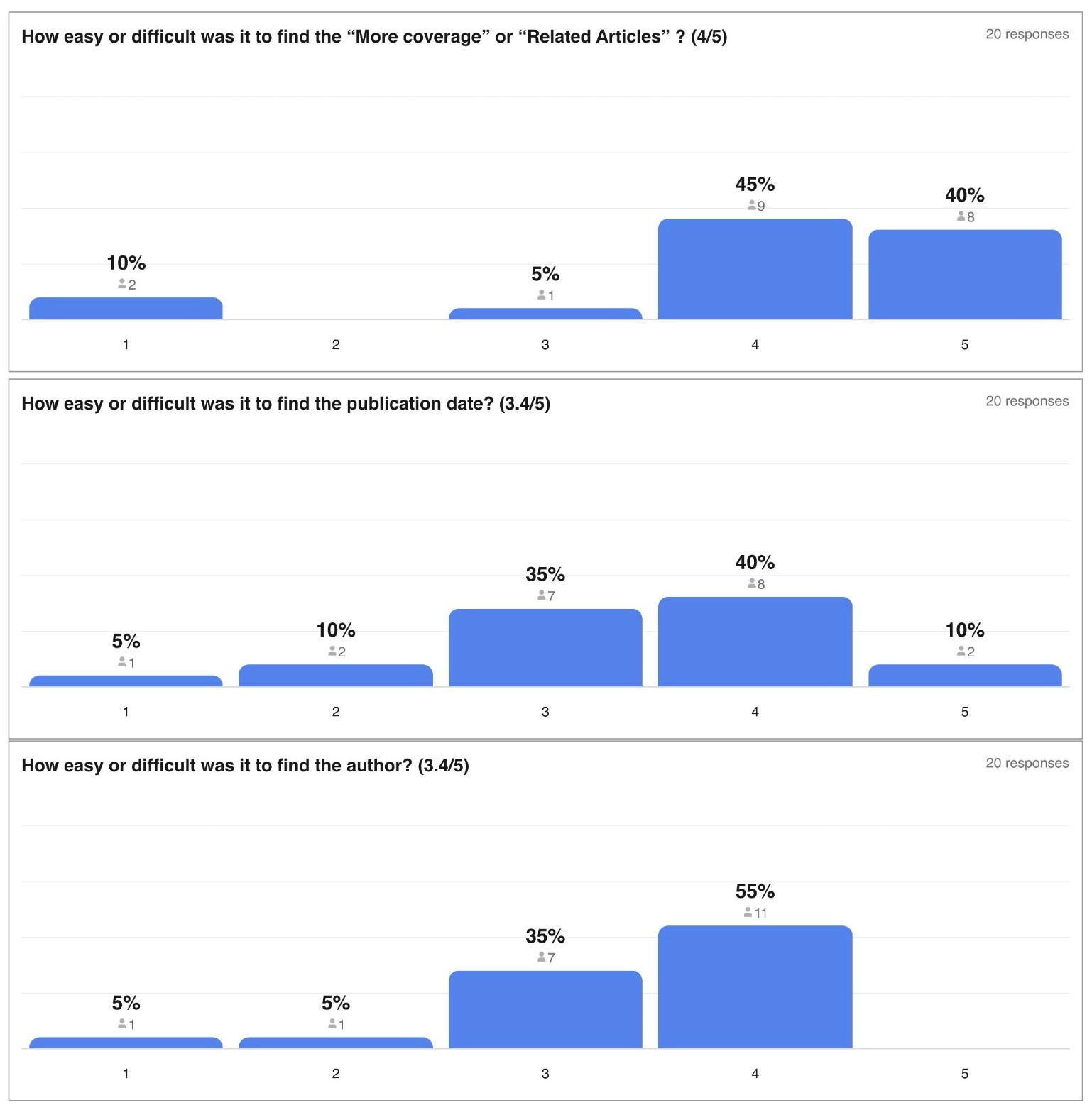
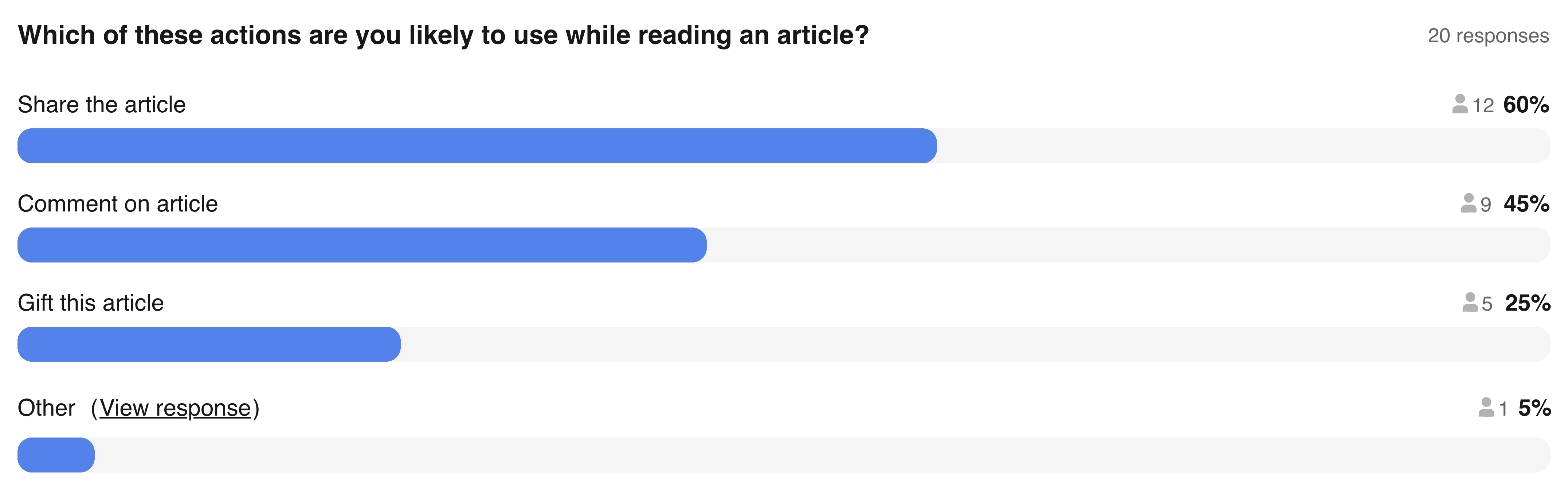
Before diving into high-fidelity UI, I conducted unmoderated usability testing via Askable. I wanted to validate our hypotheses on the live site versus the Survey results.
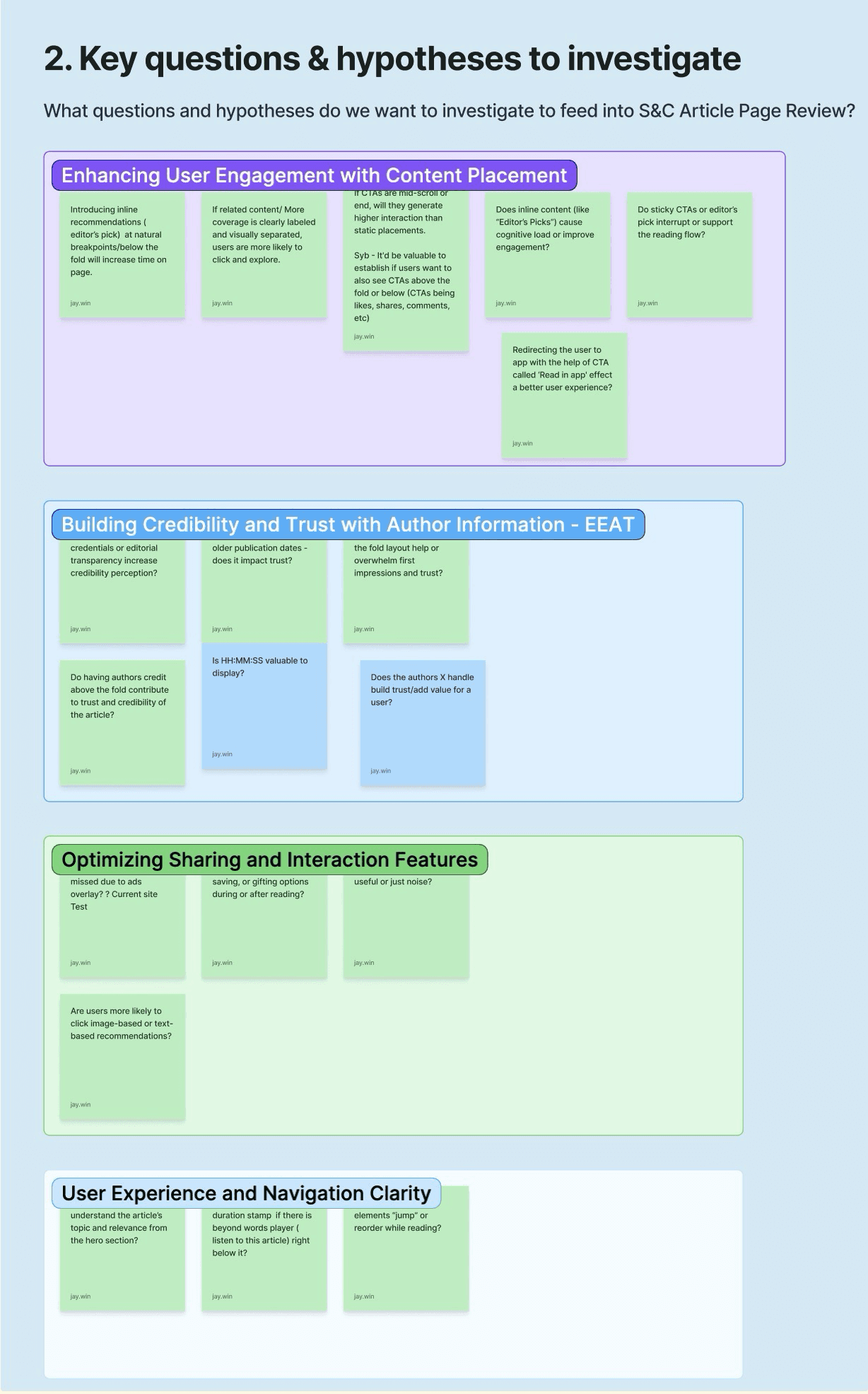
Key Insights:
Readers prioritize the Author and Posted Date as immediate trust signals. We also discovered that "Sharing" was the primary intent over "Gifting," which led to a total rethink of our action button hierarchy
Compare industry brands
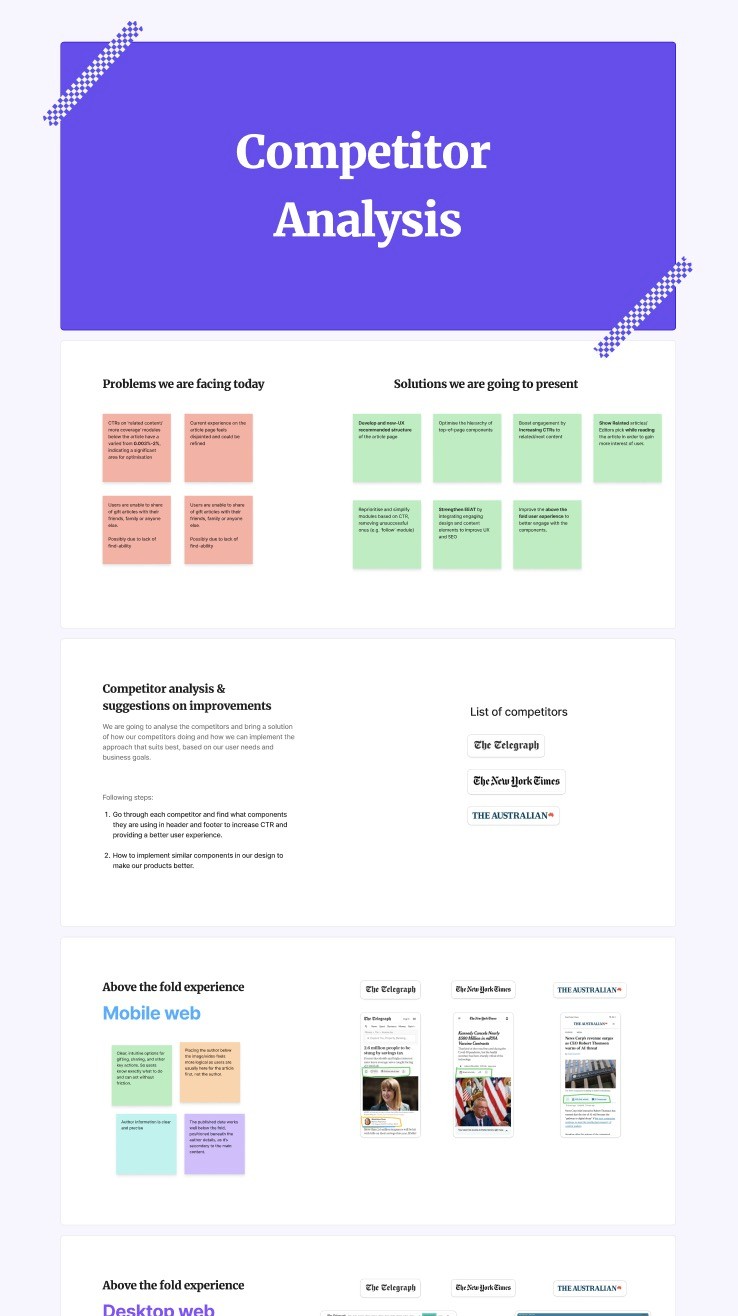
I conducted a deep dive into global industry leaders like The New York Times and The Telegraph.
The Strategy: Shift from cluttered modules to a "Value-First" layout
Wanna see it in more detail?
Key Insights:
Share, Gift, Comment into a single, cohesive module to reduce clutter and improve usability.
Utilizing fixed or "sticky" action buttons ensures essential tools remain accessible during long-form reading.
"Related Stories" at the very end of the article, aligning with natural reading patterns and boosting click-through rates (CTR).
"Open in App" option helps users bypass browser-based login barriers, creating a smoother transition to premium subscriber content.
Crafting the Final MVP
Using Figma, I translated our research into a high-fidelity prototype. I moved away from standard links and focused on Value-Driven modules that promised the reader a clear benefit for their next click.
Usability testing & Heat maps
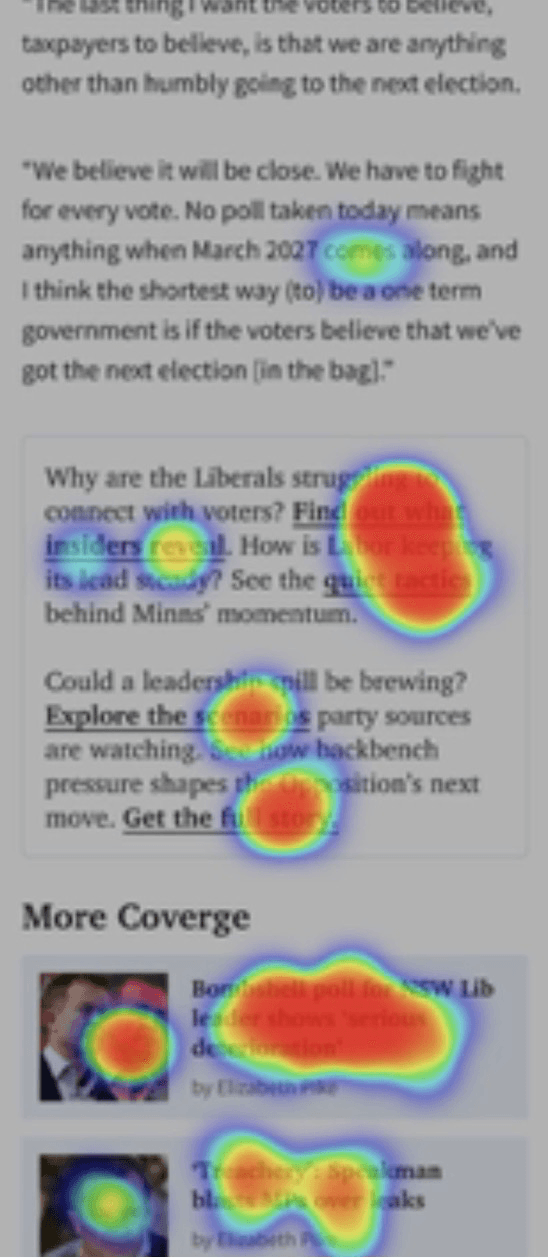
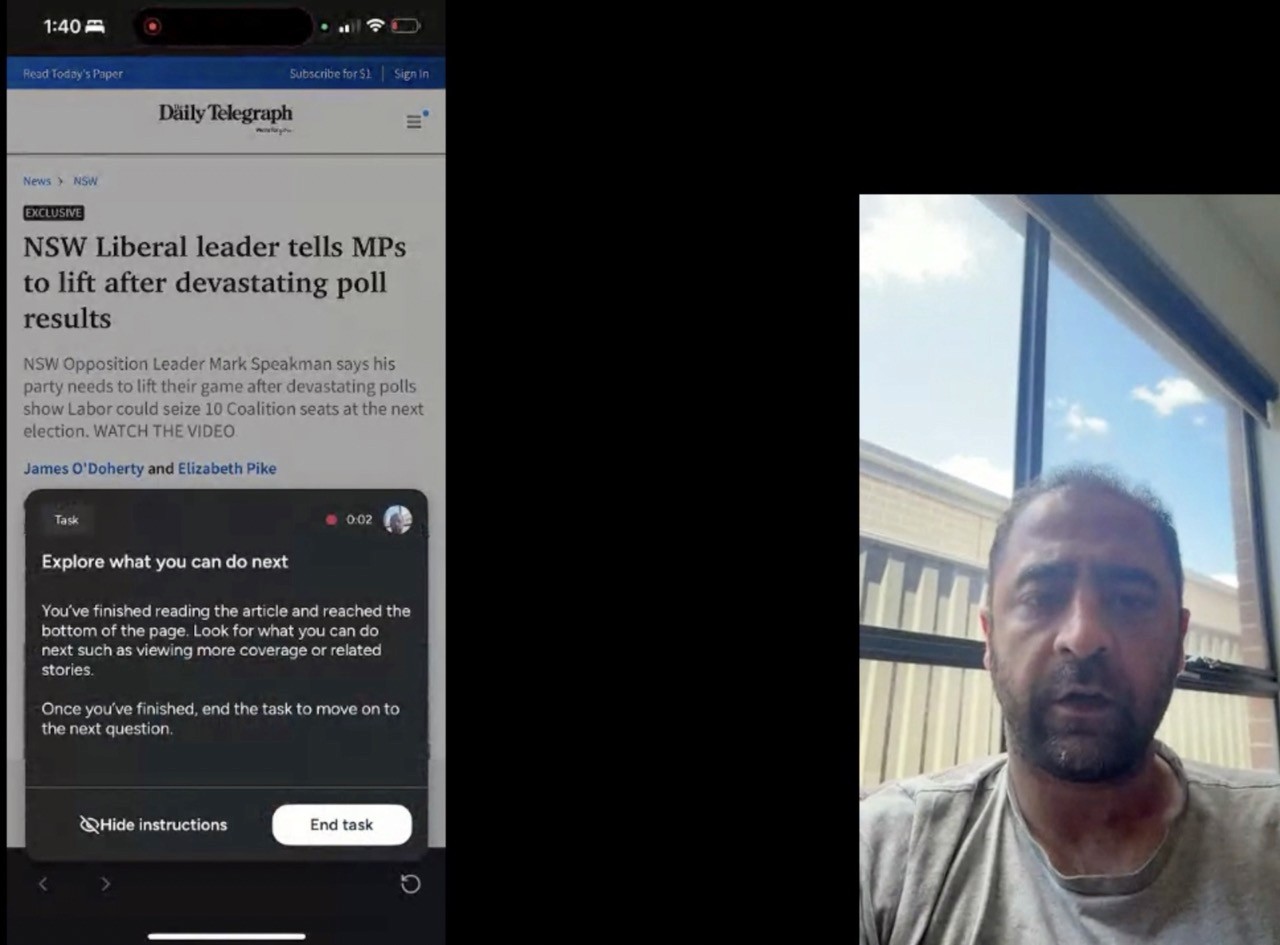
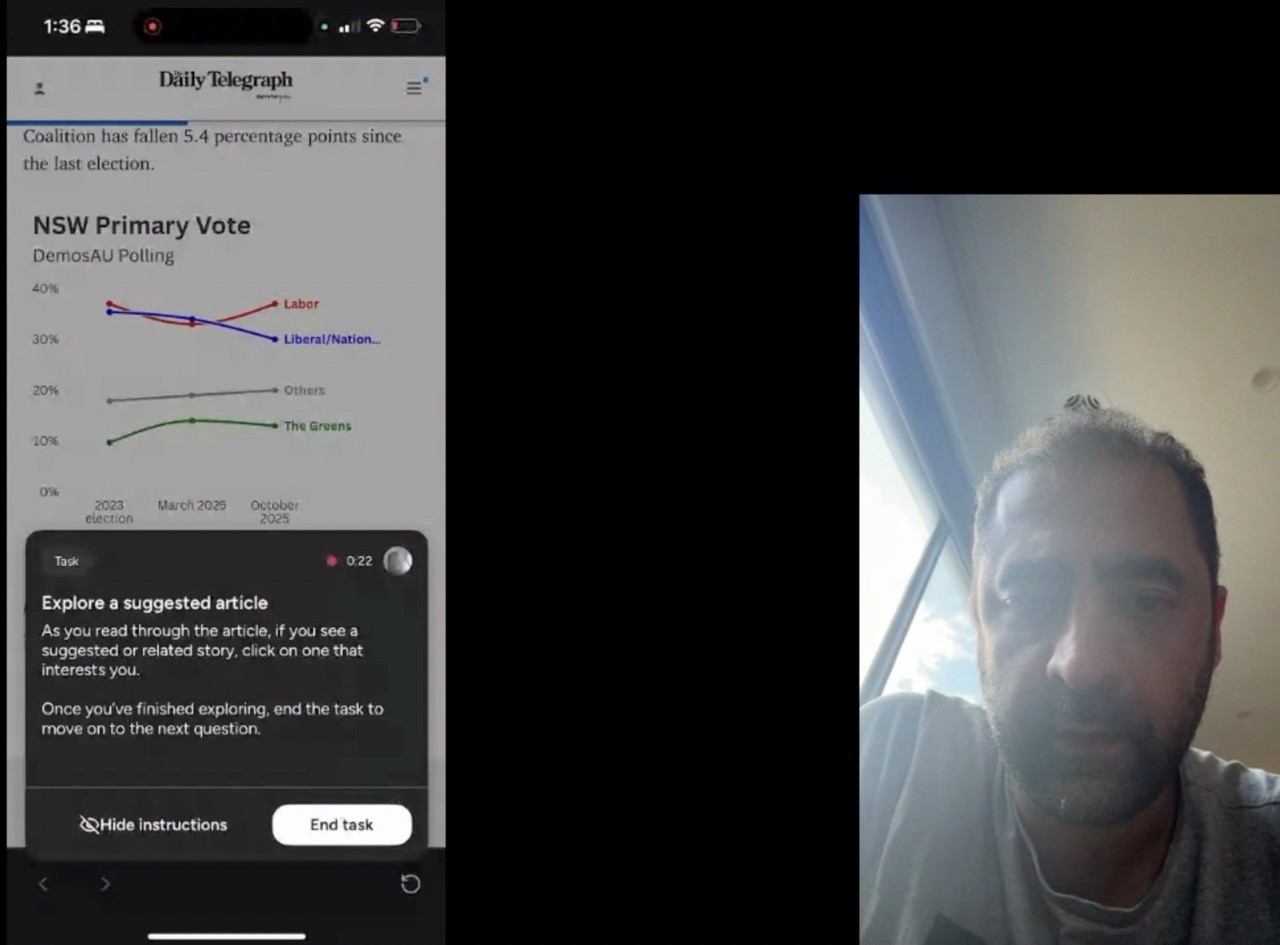
To prove the effectiveness of the redesign, I analyzed the prototype against the live site using a mix of qualitative surveys and behavioral tracking with 20 Daily Telegraph subscribers.
By enabling screen recordings, I was able to generate heatmaps that monitored user activity.



Outcomes
“ Much better design. I like the sharing at the top and it’s much easier to scroll through the article and the recommendations at the end are cleaner “
Finding the author and date felt seamless, with trust ratings jumping from 3.45 to 3.9/5.
They might be subtle, but they work—100% of users who spotted the sticky buttons found them "super convenient" for quick actions.
We saw a 65% boost in users successfully finding "More Coverage" and related stories.
66.7% of readers were keen to hit "Open in App" to skip the hassle of browser logins
80% found the new end-of-article section actually useful, a massive leap from the 30% who previously dismissed it as "filler"
My learnings
Prioritize real-world data over design intuition; testing often beats assumptions.
High-value tools like sticky buttons must be visually prominent to work.
A clean UI is not just aesthetic choice—its a primary driver that give users the confidence to stay engaged with the content.
Thanks for reading thoroughly, Explore more case studies
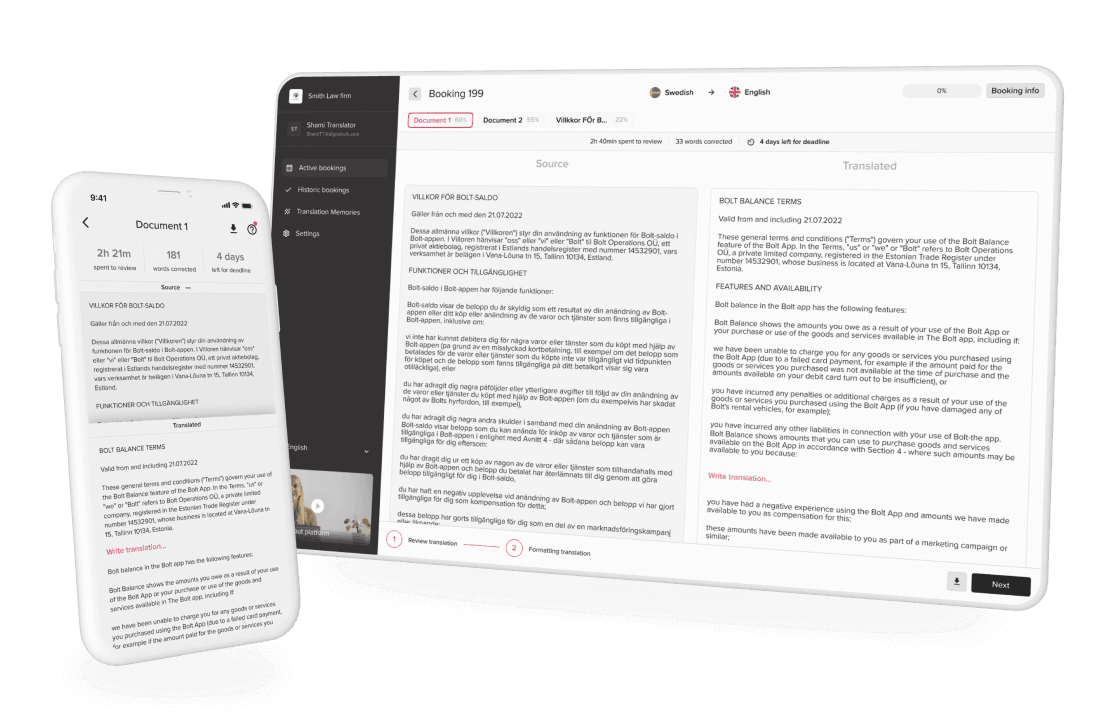
Al optimizes translation for speed + accuracy benefited business to 120%
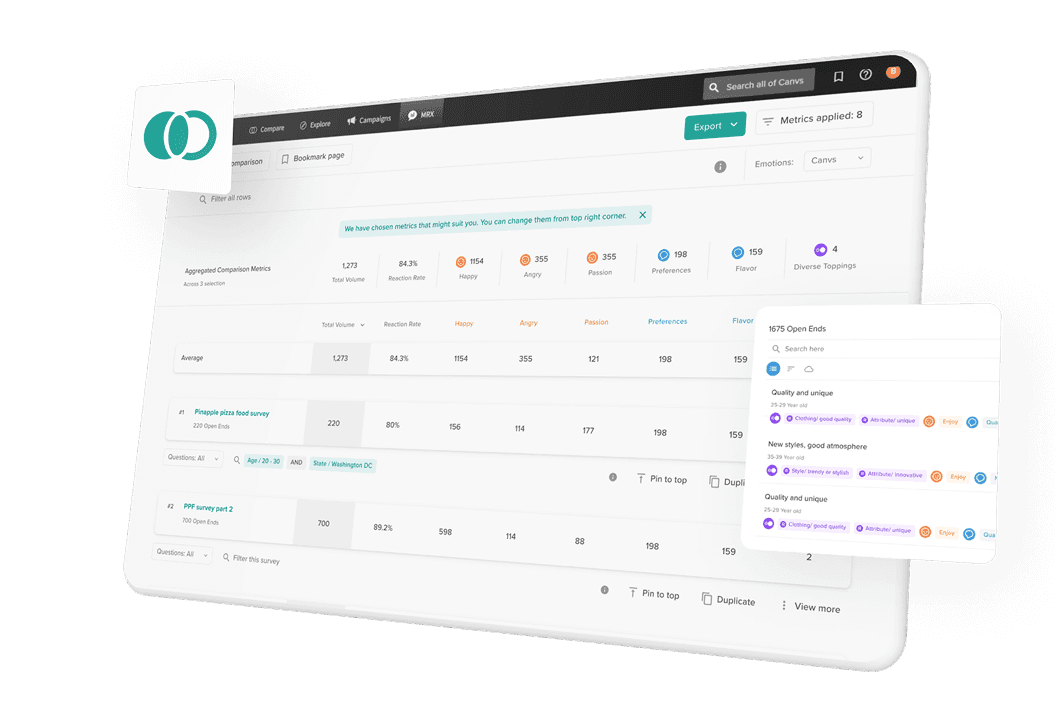
Redefined the survey comparison feature of Canvs.ai using by enterprise giants and media leaders
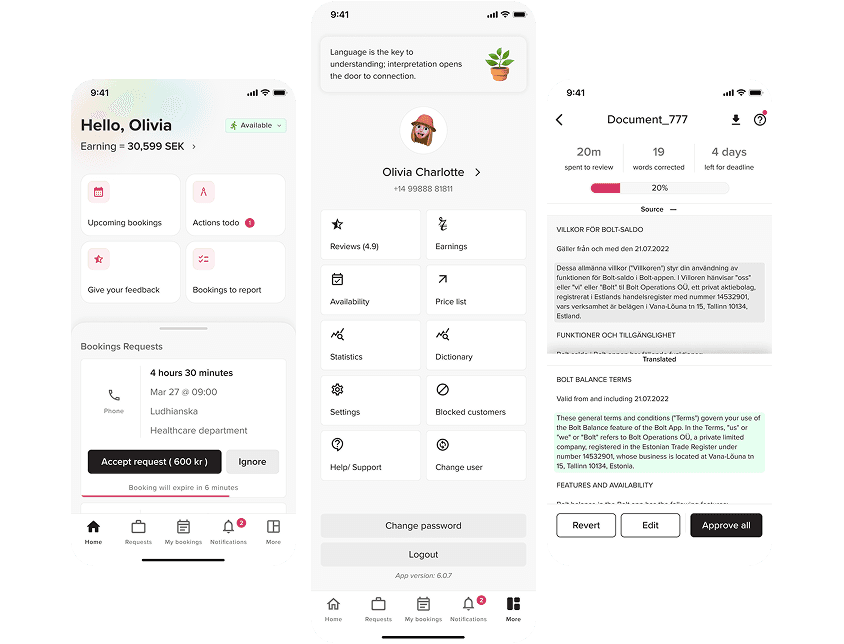
Mobile app re-design for interpeter
Open for new opportunities
HIRE ME
•
SAY HELLO